Oops! Something went wrong while submitting the form.


Looking for the latest Dress to Impress codes? We keep this list verified and up to date so you're only seeing codes that actually work. Redeem them for exclusive outfits, accessories, and items you can't get anywhere else.
Game codes in Dress to Impress are special redeemable items that grant players access to exclusive in-game content. These items often include unique outfits, accessories, and other rare items that help you stand out in the game. Codes are released by the developers and by official DTI influencers, and they tend to go fast since many are time-limited, so it pays to redeem them as soon as you see them.
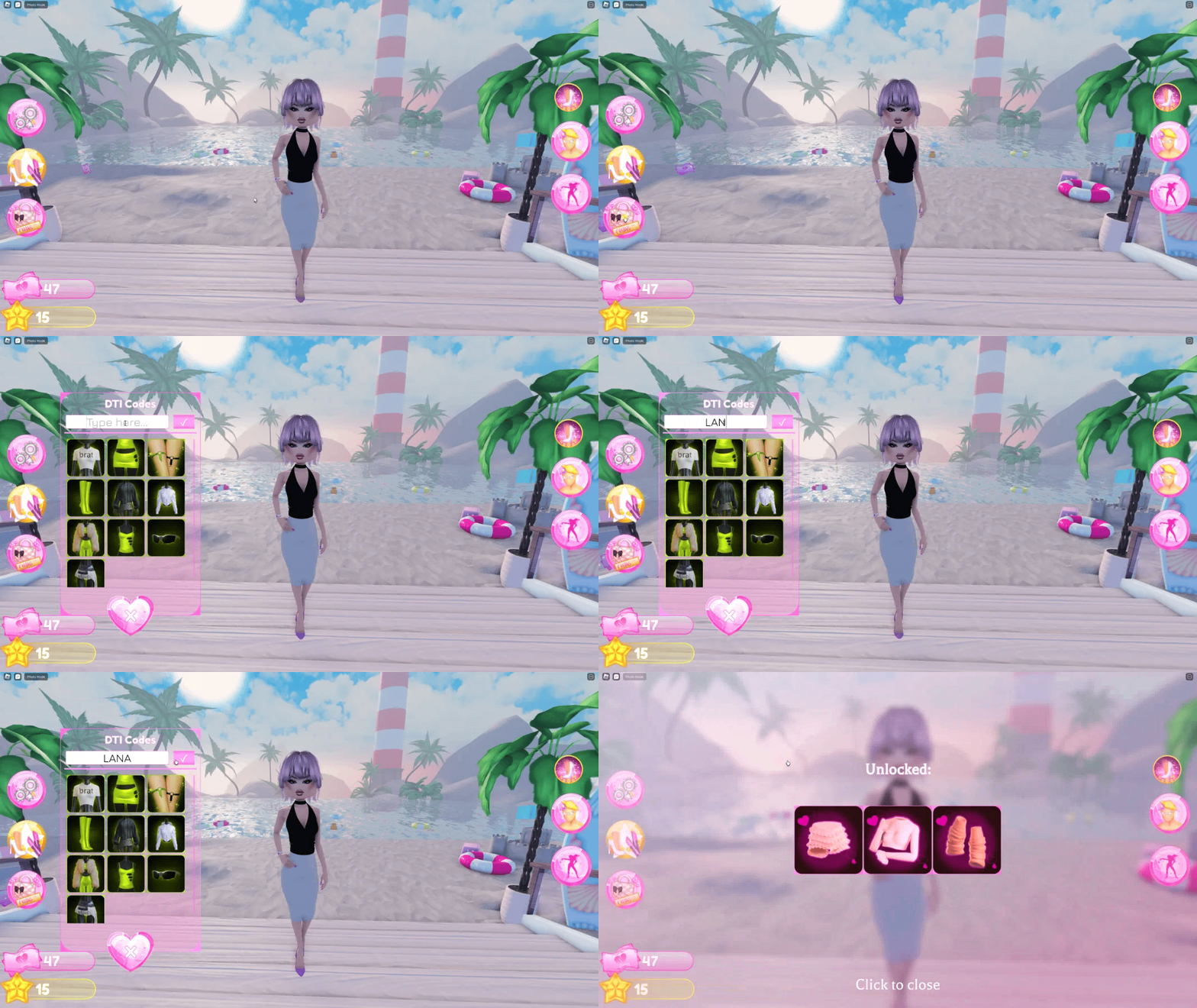
DTI codes are case-sensitive, so you'll need to enter them exactly as shown, capitalisation and all. Copy and paste is your safest bet, because several codes swap letters for digits.
Here's how to redeem a code in DTI:
There is also a Toy Code toggle inside the same menu for physical DTI merchandise cards. On mobile those are redeemed on the Collect website instead of in game.
{{table-dresstoimpress-codes="/tables"}}
Grab 10BILLION first. It is the 10 billion visits celebration code and it dies on September 19, 2026, so it is the only one here on a clock.
Grab every working Grow a Garden 2 code in one place and redeem them for free seeds and other goodies to jump start your garden. We verify each code and keep this list current as new ones drop.
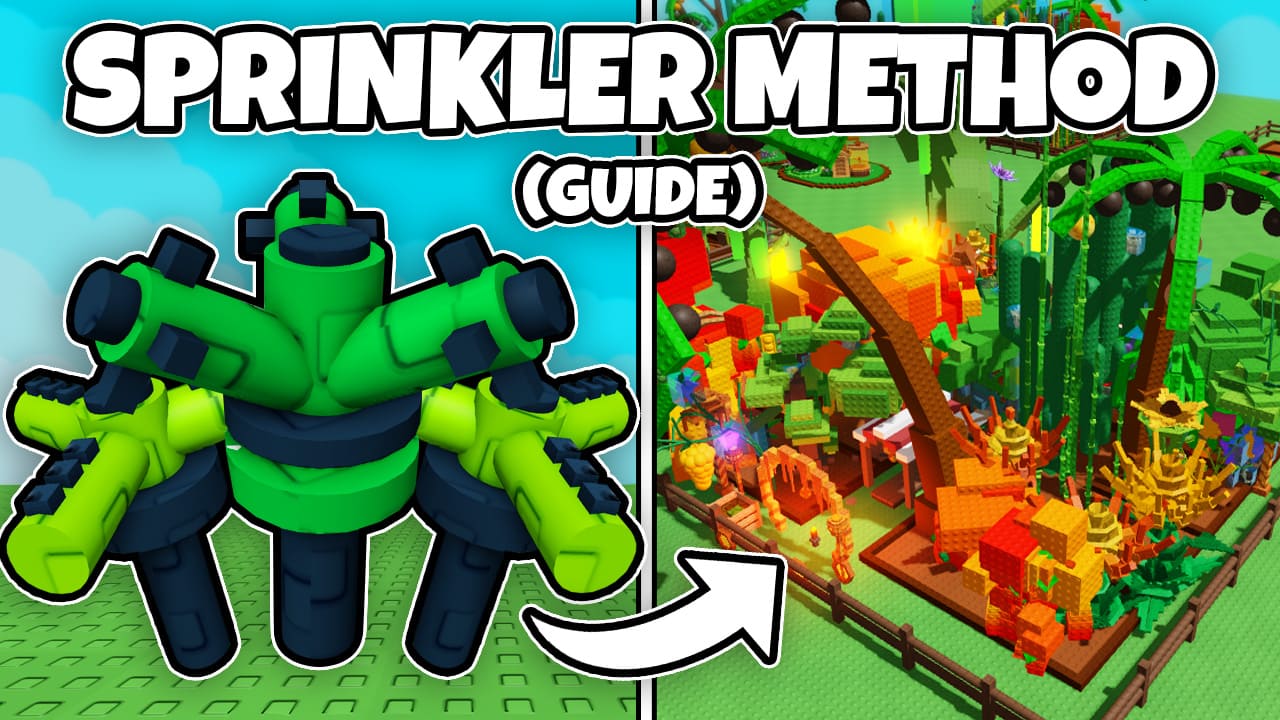
Learn how to use the Sprinkler Method in Grow a Garden to grow massive plants and earn millions. This guide covers the best sprinkler setup, how to get rare gear, and how to maximize profits efficiently.