Oops! Something went wrong while submitting the form.


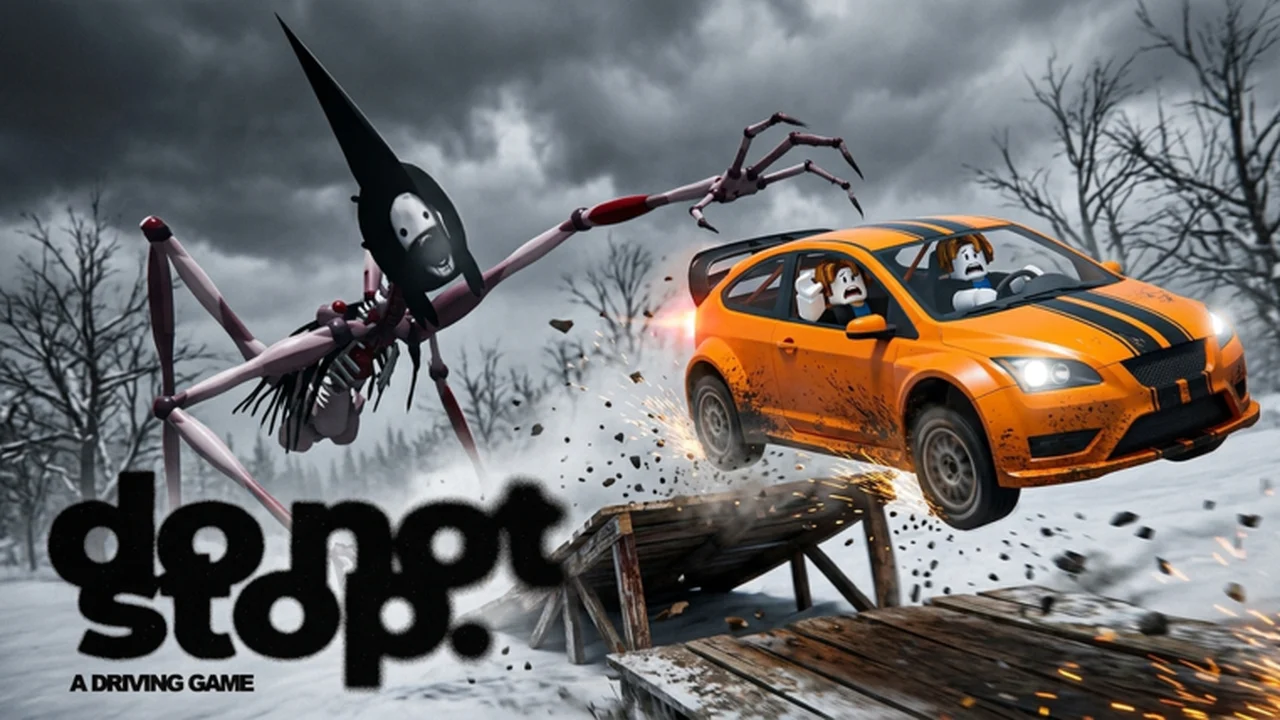
Every working Do Not Stop code in one place. Redeem them for free Credits to buy faster vehicles and upgrades in the Garage.
Do Not Stop is a co-op horror driving game where something chases you through the night, and the moment you stop driving, it catches you. Codes give you free Credits, which you spend in the Garage on new vehicles, upgrades and customisation.
The six codes below hand out 1,350 Credits in total. They are case-sensitive, so type them exactly as shown or copy and paste them.
The codes menu only unlocks after your first drive, so play one run before you try to redeem.
The Credits are added straight away. Each code works once per account.
| Code | Reward |
|---|---|
| TOURNAMENT | 250 Credits |
| UPDATE2 | 250 Credits |
| RELEASE | 250 Credits |
| LASTSTOP | 250 Credits |
| DONOTSTOP | 200 Credits |
| ROUTE1610 | 150 Credits |
TOURNAMENT and UPDATE2 are the newest codes. The developers add each new code to the game's Roblox description, so that's the fastest place to look after an update.
Codes stop working when the developers retire them, usually a few weeks after the update they came with. Redeem them as soon as you can.
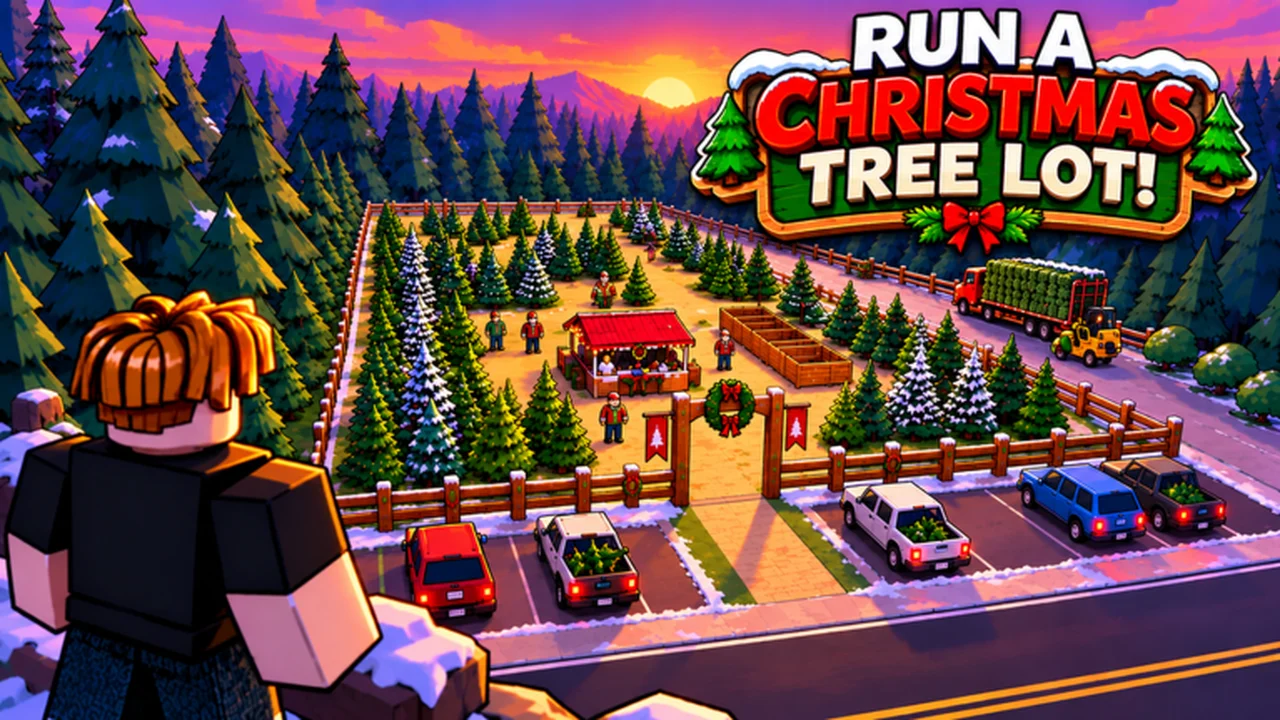
Every working Run a Christmas Tree Lot code in one place. Redeem them for free Cash, Reputation and boosts to grow your tree business faster.
Grab every working Grow a Garden 2 code in one place and redeem them for free seeds and other goodies to jump start your garden. We verify each code and keep this list current as new ones drop.