Oops! Something went wrong while submitting the form.


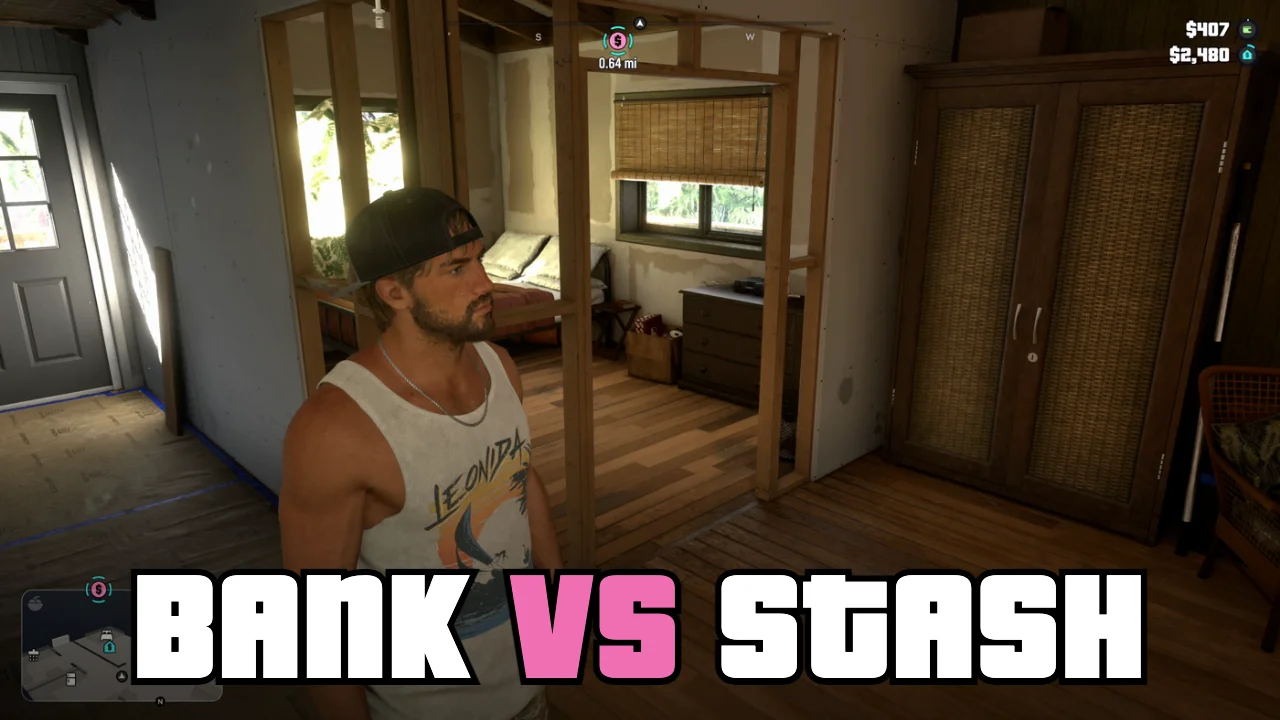
GTA 6 keeps money in three places: cash on hand, Jason's floorboard stash and the BuckMe bank account. Here is how to open the account, deposit at ATMs and protect your money before Chapter 2.
GTA 6 splits your money into three places. Cash on hand is what you carry, the stash is a hiding spot at Jason's house, and the BuckMe app is your bank account once you unlock it in Chapter 1.
The top right corner shows two amounts: the green wallet is your cash, and the blue house is the money in your stash.
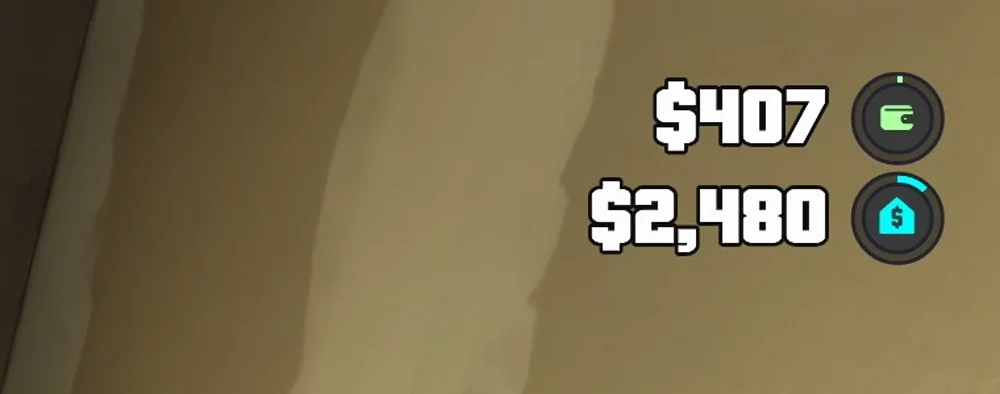
You can carry up to $20,000 per character. Shops take cash for smaller buys, and anything over about $1,000 is paid through BuckMe once you have it.
Cash is the money you lose when you get Wasted or Busted, so don't walk around with a big pile of it.
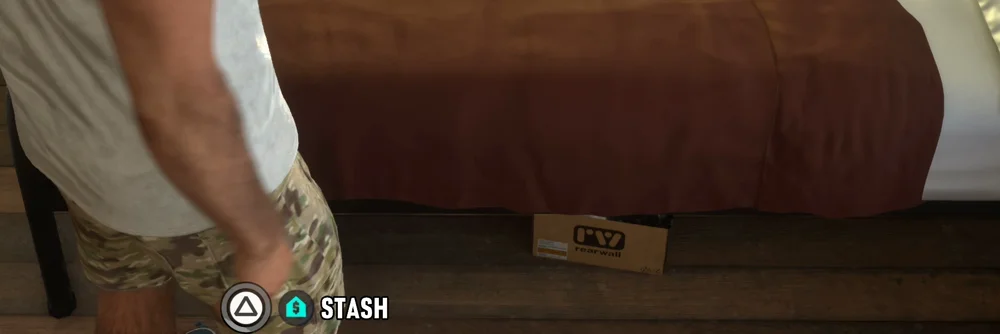
Jason's stash is under a loose floorboard next to the bed in his bedroom in Key Lento. Stand by the bed and hold Triangle on PS5 or Y on Xbox at the "Stash" prompt to move cash in or out.
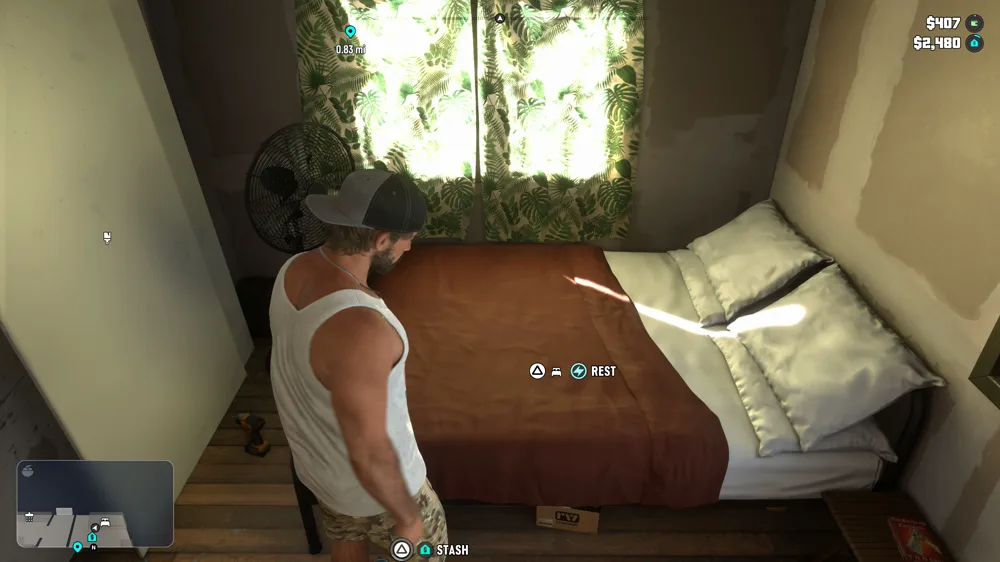
Money in the stash is safe when you die or get arrested. Some payments also arrive as cash in the mailbox by the road outside the house, so check it after jobs.
The bank account unlocks with the main mission "Buck Me (Set Up Bank Account)" in Chapter 1. Lucia calls about it some time after she comes home in "Coming Home".
Cash can only go into BuckMe at an ATM, not through the phone.
Your checking account starts with a $15,000 limit. Once it is full, new payments wait as pending until you spend or save some of it.
BuckMe also has a Family Savings account. Move money into it with "Buck Yourself" on the Checking Account or Family Savings card.
Money in Family Savings can never be spent or withdrawn, but it can never be lost either. Reaching each savings goal raises your checking limit and gives a small perk, and new goals open as the story moves on:
| Tier | Family Savings Goal | Checking Limit | Perk |
|---|---|---|---|
| Buckin' Broke | $5,000 | $15,000 | None |
| BuckeDry | $10,000 | $100,000 | 20% off RydeMe journeys |
| BuckMe Gold | $100,000 | $500,000 | 20% off garage purchases |
| BuckMe Premium | $500,000 | $2,000,000 | 10% off liveries |
| Rich as Buck | $1,000,000 | $2,000,000 | None |
Note: BuckMe Premium is given to you at the start of Chapter 4 no matter how much you saved.
The mission "Tourist Trap" is a point of no return. It leads straight into the end of Chapter 1, and after that you lose your cash on hand, your checking balance, the money in the stash, Jason's house and your vehicles.
Family Savings is the only money that carries over. Before you start "Tourist Trap", reach the first $5,000 savings goal, spend the rest of your money on things you keep, and make a manual save. Our GTA 6 Saving Guide shows how, and if you haven't fixed up the house yet, see How To Fix Jason's House.

GTA 6 has 61 cheats that unlock after you finish the story, entered on the phone with the D-pad. Here is every cheat, its unlock challenge and the 20 inputs found so far.
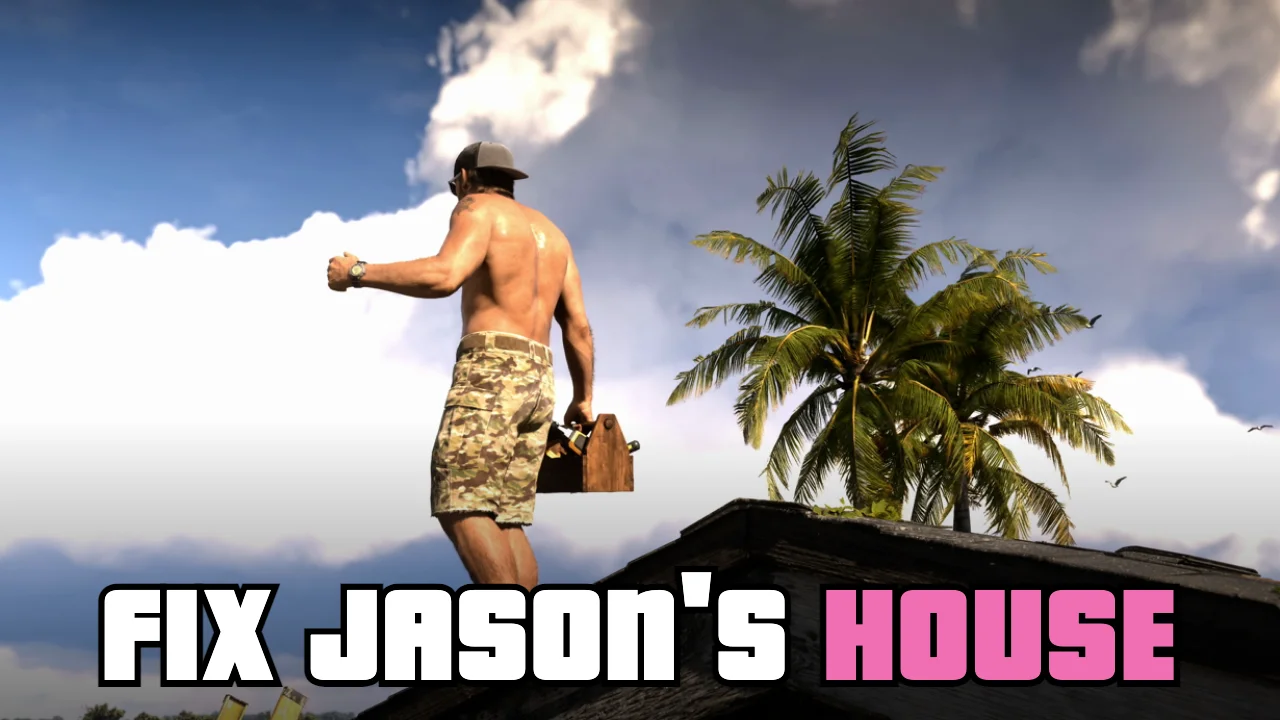
Jason's house in Key Lento has five optional repairs in Chapter 1: the steps, the leaky roof, the railing, the wall and the paint. Here is where each one is and how to find the railing.