

Oops! Something went wrong while submitting the form.

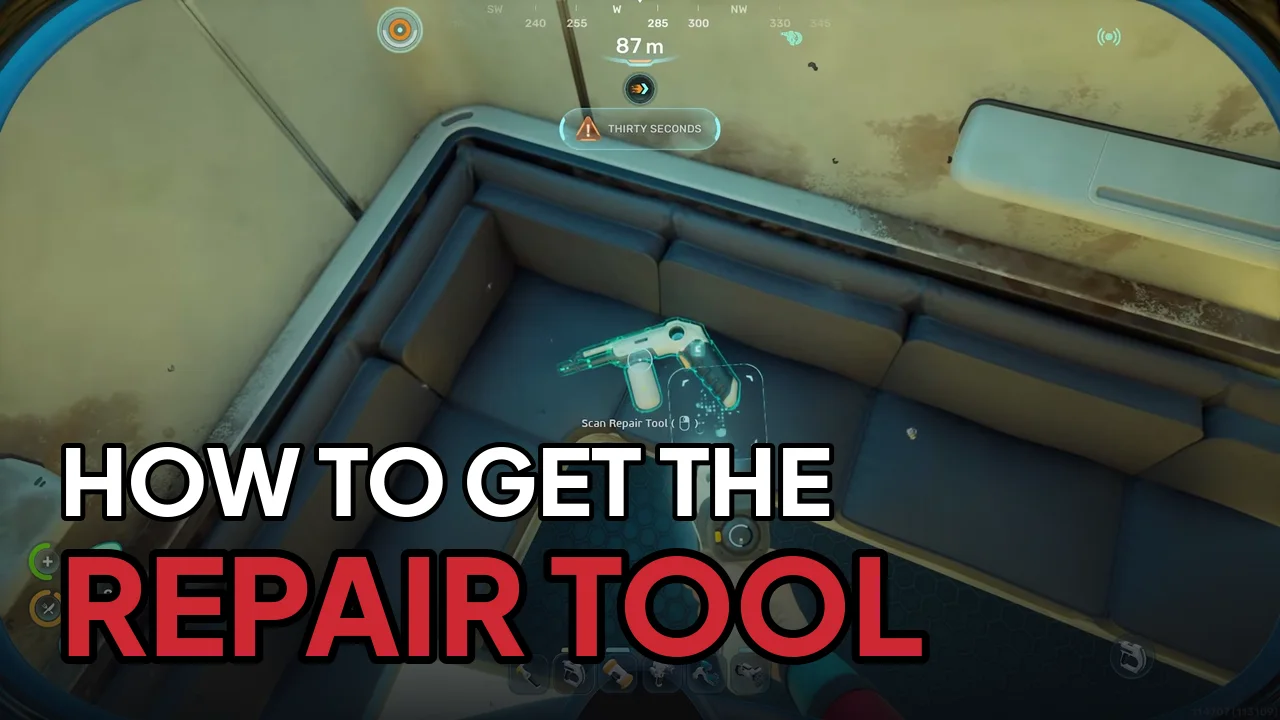
The Repair Tool needs three fragment scans: a hidden base north of the lifepod, Blackbox Chap and a deep wreck to the south. Here are all three spots with depths, the full recipe, and the quick Sulfur grab that finishes it.
The Repair Tool in Subnautica 2 unlocks after you scan 3 Repair Tool fragments, and you craft it from 1 Titanium Ingot, 1 Wiring Kit, 1 Basic Battery and 1 Sulfur. It fixes sealed doors and broken parts of wrecks and bases, and several rooms with upgrades stay closed until you have one.
In our Full Progression Guide: Early Access Walkthrough the Repair Tool gets finished right after the Tadpole, because the last fragment is deep. Before you start, you need:
There are more than three Repair Tool fragments in the world, and any three scans unlock the blueprint. These are the three on our route, in the order you reach them.
Swim north from the lifepod, slightly left of the first wreckage, until you find a small base. Follow the cable from that base and it leads into a cave packed with Copper, your first Silver and air pouches. Pop the blue Bloom Saps on the way for free air.
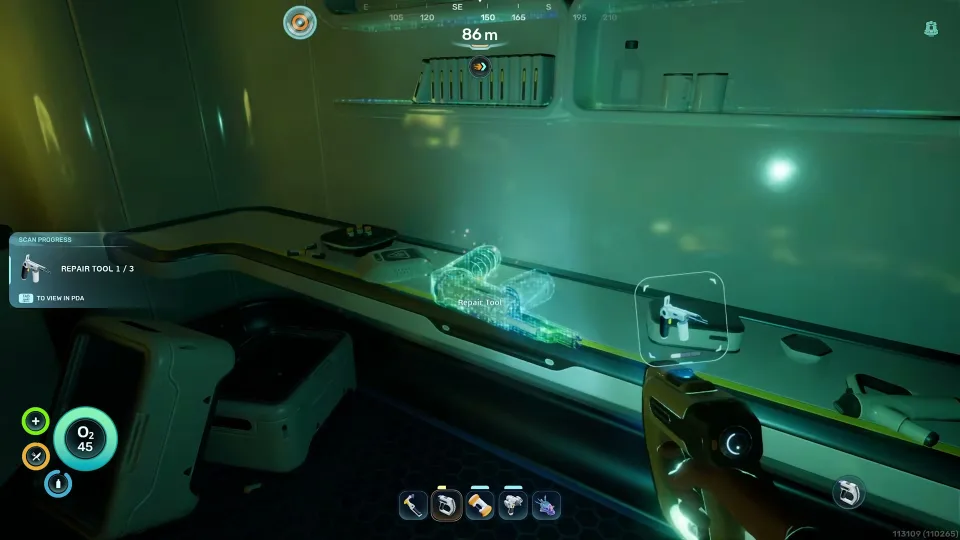
Deeper in, squeeze through a narrow opening to reach an abandoned base at about 86 meters. The first fragment lies on a shelf inside, and this base also unlocks an extra hotbar slot.
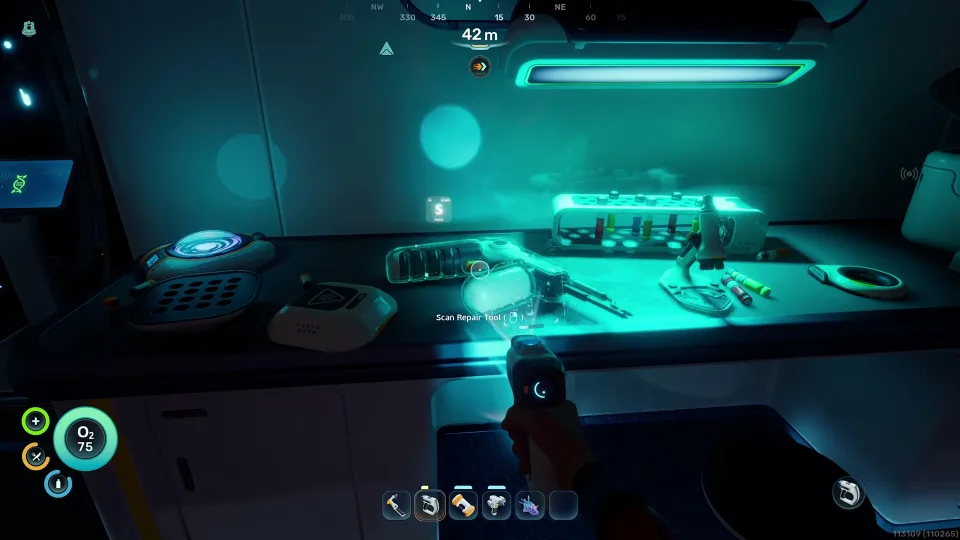
Once NoA sends the coordinates for Blackbox Chap (every blackbox is in All Blackbox Locations), head about 200 meters southeast of the lifepod. Inside the bunker at around 42 meters, a Repair Tool lies on a lit workbench. Scan it, then look around: the same place holds plenty of Silver, the first Bio-Reactor fragment, the Floor Locker and an inventory upgrade.
The last fragment is in the wreck field in the deep crater just south of the lifepod, the same crater that holds the first Tadpole fragment. Follow the yellow cables down along the crashed ship and enter the broken section near the bottom. The fragment sits in a room at about 87 meters.
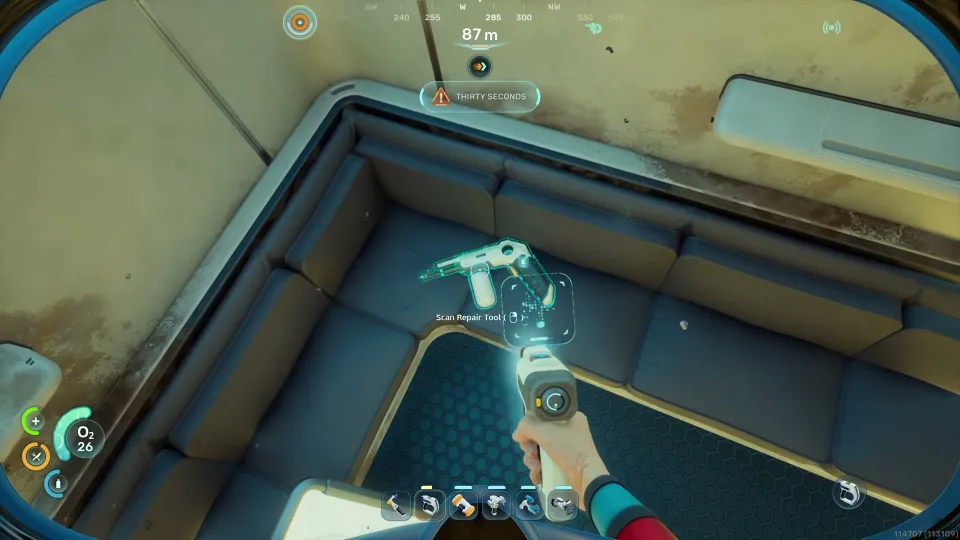
This dive drains air fast, and the HUD flashes the "Thirty Seconds" warning easily down here. Park the Tadpole above the wreck if you have it (see How To Build The Tadpole), or come with a full High Capacity Air Tank.
The recipe has four parts, and each one comes from a different place:
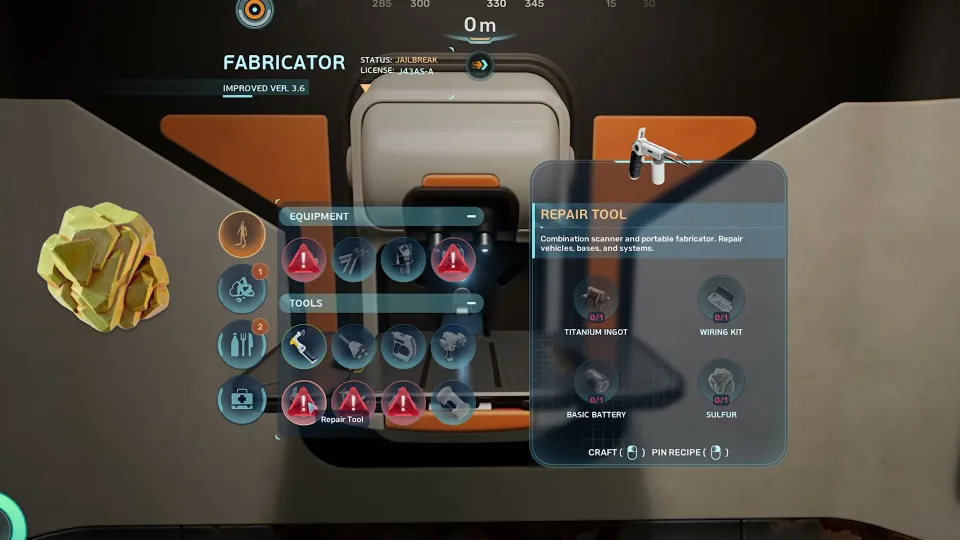
The lifepod Fabricator shows the recipe, but it is marked "Corrupted: Requires Fully Functional Fabricator". Craft it at the Fabricator in your base, under "Tools".
Sulfur is a yellow crystal that looks a lot like Gold. Swim east of the lifepod until the water turns orange and the HUD shows "Heat Danger". You can't stay long without the Heat Tolerance adaptation, but you only need one piece, and there is Sulfur on the rocks at the edge of the area at around 38 meters. Grab it and leave.
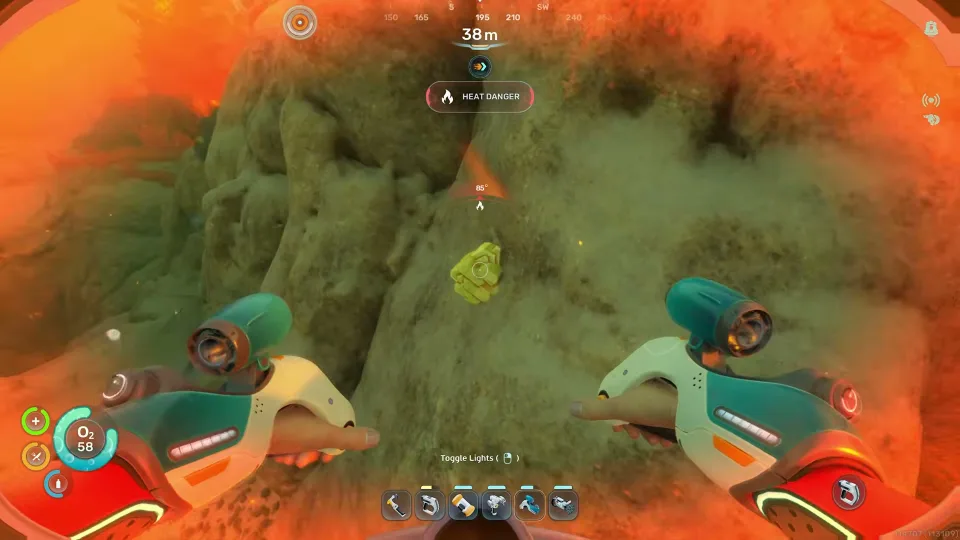
Picking up Sulfur also unlocks a second Strong Acid recipe (Sulfur and Gold), which becomes useful once you can farm the hot biome properly.
Aim at anything that shows a repair icon and hold the trigger. The in-game description says it repairs vehicles, bases and systems, so it also patches a damaged Tadpole. On the main route you need it for:
Note: The Repair Tool runs on its battery, so swap in a charged one when it stops working.
Note: This guide was written for the current Early Access version (Buddy System Hotfix 2), before the 2.0 update.
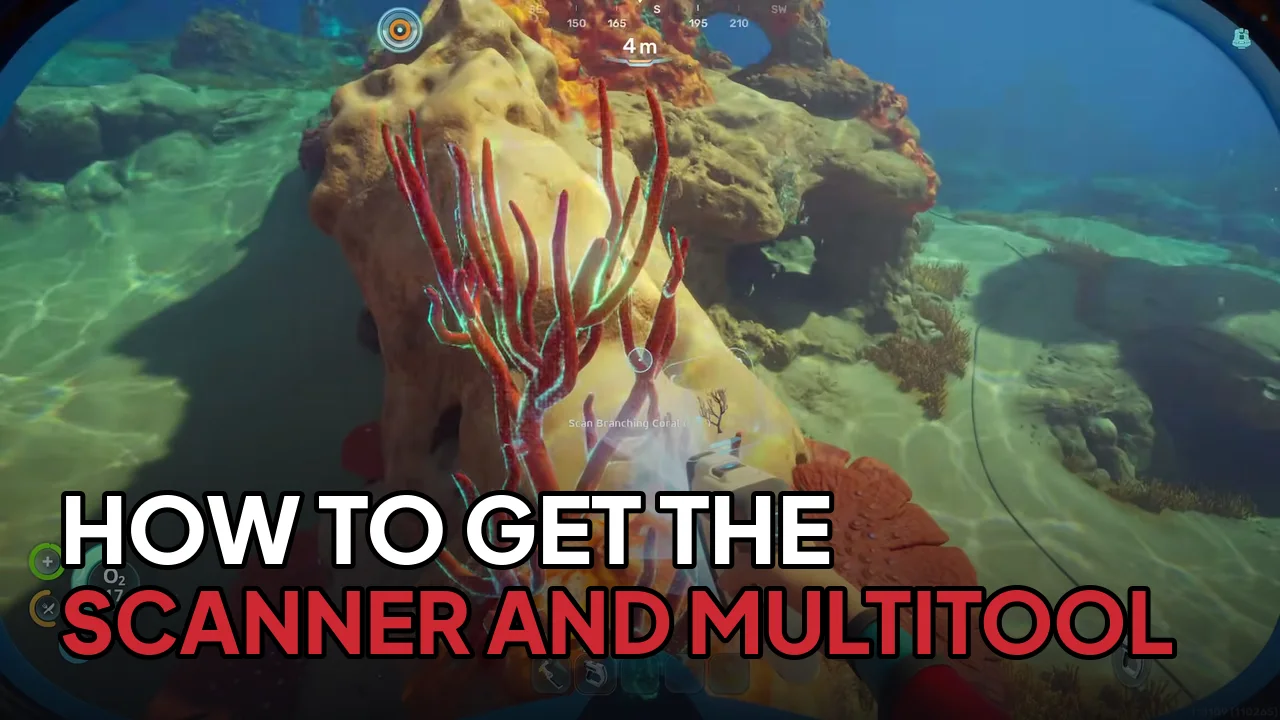
The Scanner and the Survival Multitool are your first two tools, and both are crafted at the lifepod Fabricator without any fragments. This is every material, where to find it near spawn, and how scanning unlocks blueprints.
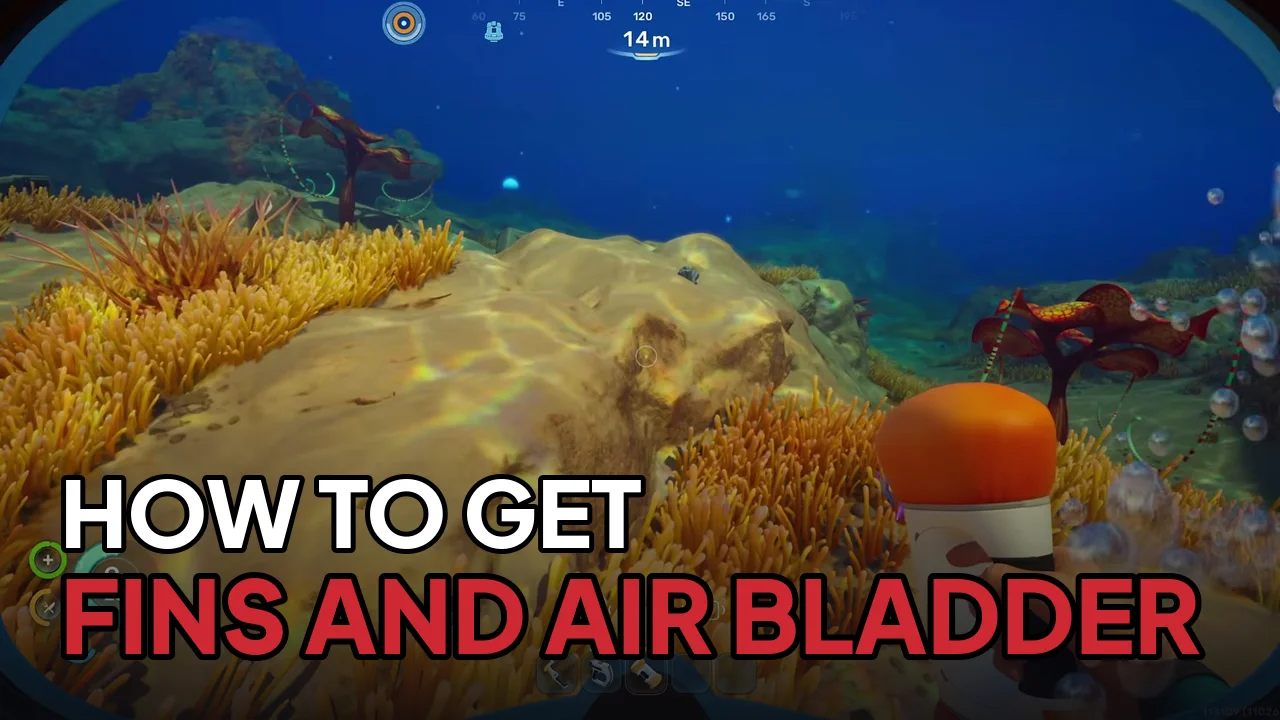
Basic Fins and the Air Bladder are crafted from Fiber, Rubber and Titanium, and Fiber and Rubber both come from one plant near spawn. This covers those materials, both early items and the three scans for Improved Fins.