Oops! Something went wrong while submitting the form.


GTA 6 crashing or not starting? Here is what error CE-108255-1 and the other PS5 codes mean, the system update you need, and the fixes for PS5 and Xbox Series X|S.
Most GTA 6 launch problems on PS5 come from a missing system update or game update. The most common crash code is CE-108255-1, which simply means the game itself ran into an error.
Rockstar hasn't published patch notes or a known-issues list yet, so start with the checks below before you reinstall anything.
GTA 6 needs PS5 system software 26.07-14.23.00 or newer, even if you preloaded the game. Without it, the game won't start.
Then check for a game update: highlight GTA 6 on the home screen, press Options and select "Check for Update". The game had two updates before launch, 01.002.000 and 01.002.001.
CE-108255-1 is the code most players get, at launch, in the opening cutscene or during the prologue. Try these steps in order:
Note: There is no guaranteed fix for CE-108255-1 yet. Report it to Rockstar Support if none of the steps help, and avoid "Reset Your Console", which erases everything on the PS5.
These codes come from the PS5 itself, and PlayStation's own fixes apply:
| Code | What It Means | Fix |
|---|---|---|
| CE-108255-1 | An error occurred with the game | Update the game and system, rebuild the database, reinstall |
| CE-108262-9 | The PS5 couldn't read the game data | Update system software, rebuild the database, reinstall the game |
| CE-107891-6 | The game isn't installing properly | Delete the game under Storage and reinstall it |
| CE-100095-5 | There was a problem starting the game | Delete the game and reinstall it, keep the PS5 on during install |
| CE-107622-8 | Failed to launch the game | Restart the PS5, then reinstall if it keeps happening |
| NP-104291-7 | The game licence can't be confirmed | Settings, Users and Accounts, Other, Restore Licenses |
| WS-116449-5 | PlayStation Network is under maintenance | Wait and try again later, check the PSN status page |
Xbox players mostly report the game freezing for a few seconds and then crashing to the dashboard, without an error code. Try this:
Xbox has no "rebuild database" option, so ignore guides that tell you to use one.
A crash only keeps your last autosave, which can be older than you expect. Make manual saves in several slots, especially before big missions. Our GTA 6 saving guide shows how.
Some physical GTA 6 boxes shipped without a working download code. In that case contact the store you bought it from, since PlayStation and Xbox can't replace retailer codes.
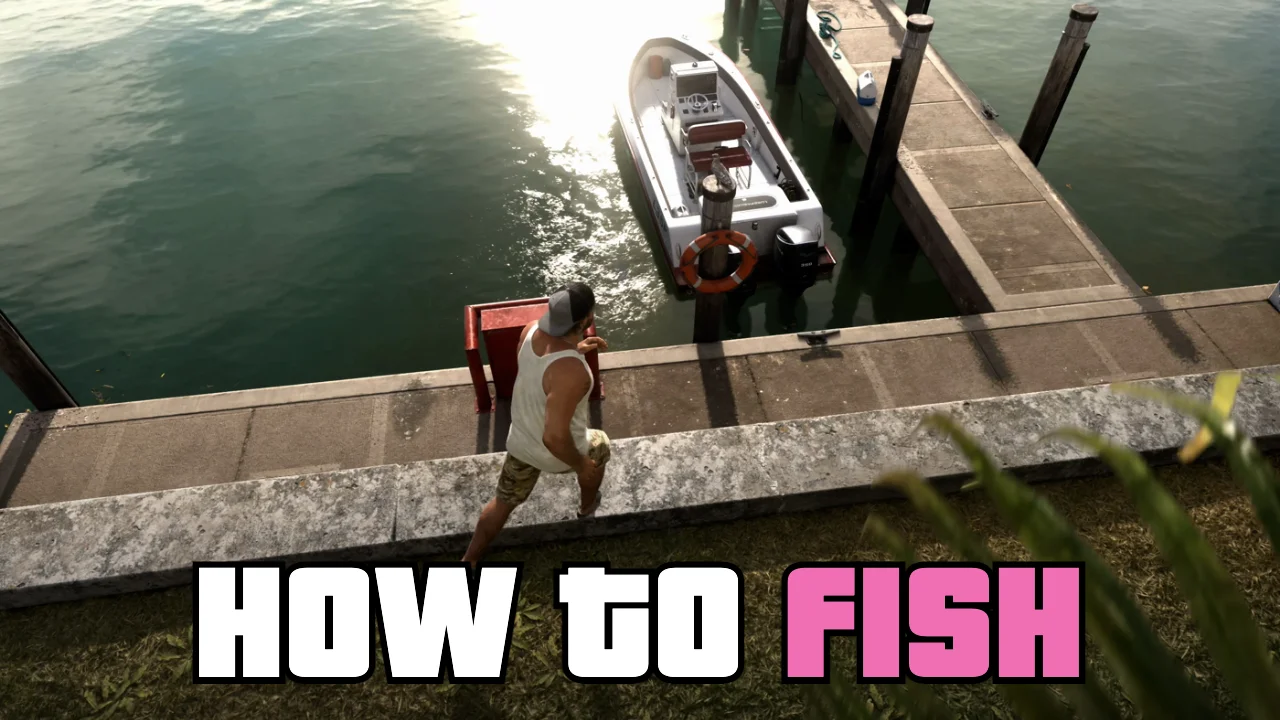
Fishing in GTA 6 is open from the start with a free rod at Jason's dock. Here are the controls, the lures, Cal's fishing challenge and where to find each of the 35 fish species.
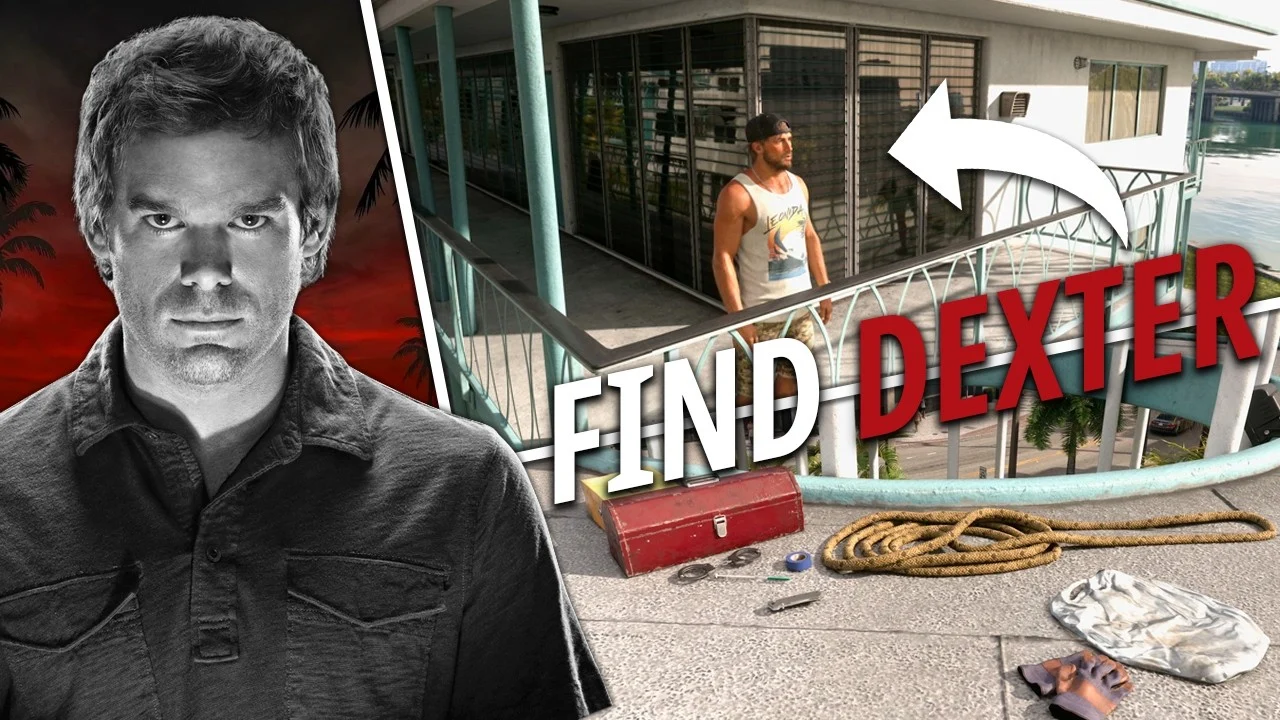
Dexter Morgan's condo is hidden in Vice City, and its rooftop holds a pile of his kill tools. Here is where to find the building, how to climb up and what is waiting there.