

Oops! Something went wrong while submitting the form.

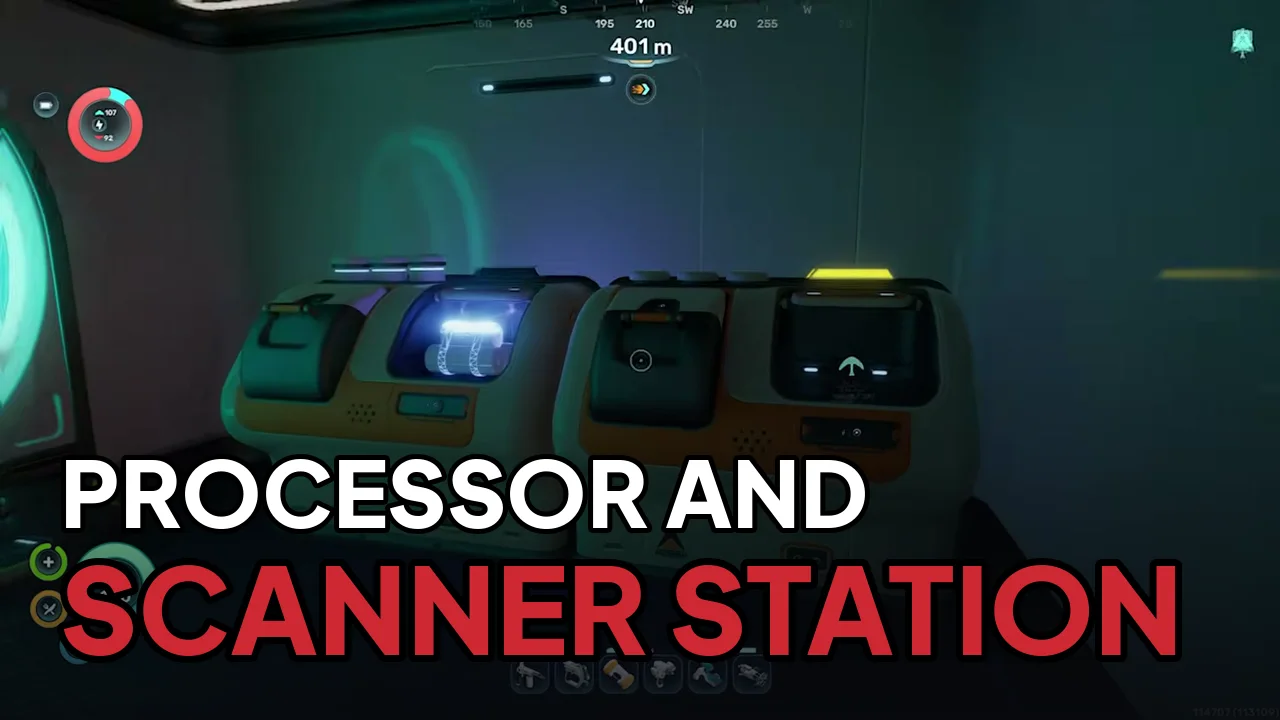
The Processor turns ores into ingots and pulp into water, food and fuel, and the Scanner Station finds resources for you. Here is where to scan both, the recipes and how to use them.
The Processor in Subnautica 2 unlocks with one scan of a broken Processor, and there are several around the map. The one most players find first is in the Old Habitat at Blackbox Quaker, north of the lifepod, where you also pick up the turbine, Battery Terminal and Room blueprints.
Another one sits in a container at the back of a large wrecked ship northeast of the lifepod, entered from underneath near some rocks. A big fish guards that wreck, so the Old Habitat is the safer pick.
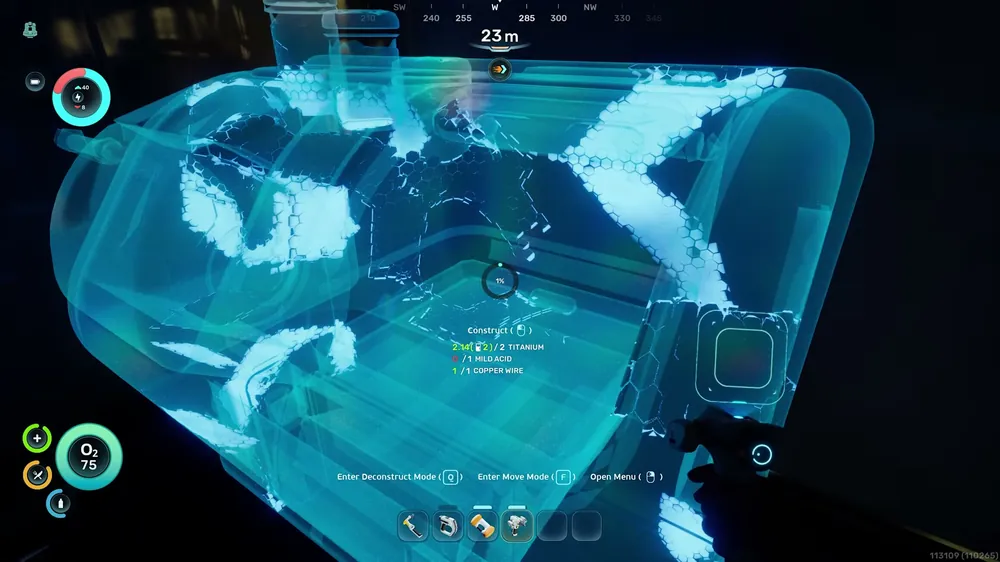
Build the Processor with the Habitat Builder under Interior Facilities, Production. It costs:
From raw materials that is 2 Titanium, 3 Copper and 2 Acidic Raion Pouches, which come from the brain-shaped plants in the caves around the spawn area. It belongs inside a room of your base and uses 10 power, and the draw rises sharply while it is working, so make sure the base has energy to spare.
The Processor works over time: load the ingredients, pick a recipe and come back later. A Titanium Ingot takes about 30 seconds, while a Biofuel Block or a Germanium Ingot takes about 2 minutes. These are the recipes you will use most, and every ingot has its own section in All Ingots And How To Make Them:
| Output | Ingredients | Used For |
|---|---|---|
| Titanium Ingot | 3 Titanium | Bioreactor, Vehicle Fabricator, Tadpole Dock, Tadpole Core Module, Engine Efficiency |
| Copper Ingot | 3 Copper | Bioreactor, Vehicle Fabricator, Photovoltaic Charger |
| Silver Ingot | 3 Silver | Tadpole Dock |
| Germanium Ingot | 2 Lead or 2 Silver | Power Storage |
| Plasteel Ingot | 2 Titanium, 1 Lithium | Scout Ray Chassis, High Capacity Air Tank |
| Strontium | 2 Celestine | Tadpole upgrades, Feedback Resonator, power plant repair |
| Mangalloy Ingot | 1 Titanium Ingot, 1 Atacamite, 1 Troilite | Power plant repair |
| Strong Acid | 2 Necrolei Cyst | Power Cell, Fiber Mesh |
| Biofuel Block | 5 Fibrous Pulp, 3 Pent or 2 Crab Feces | Bioreactor fuel, Nutrient Block |
| Water | Fibrous Pulp | Drinking |
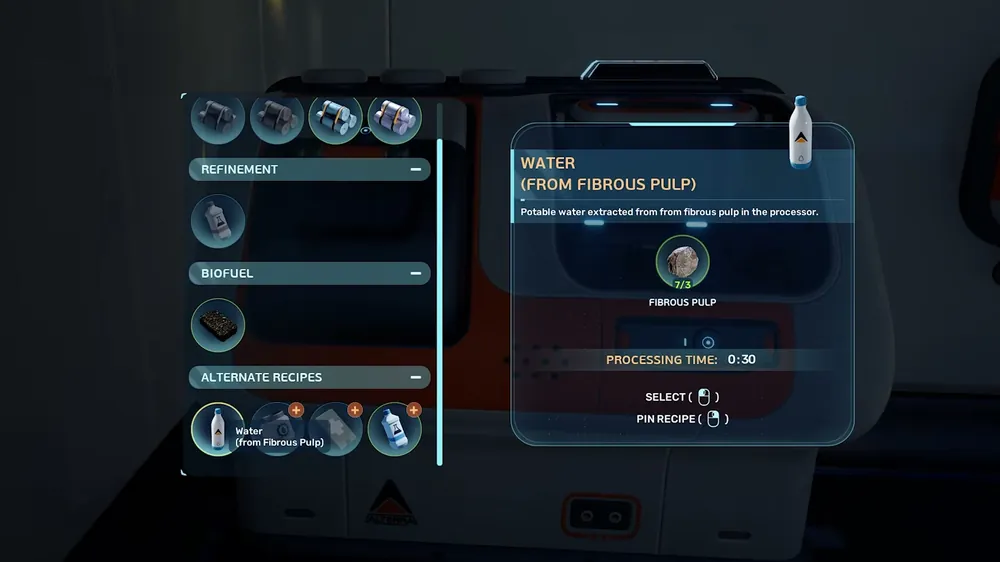
Water from Fibrous Pulp is the big one early. Once you also have Salt, the Processor makes food from Fibrous Pulp too, so a few plants near the base cover food and water for good (see How To Get Water And Food).
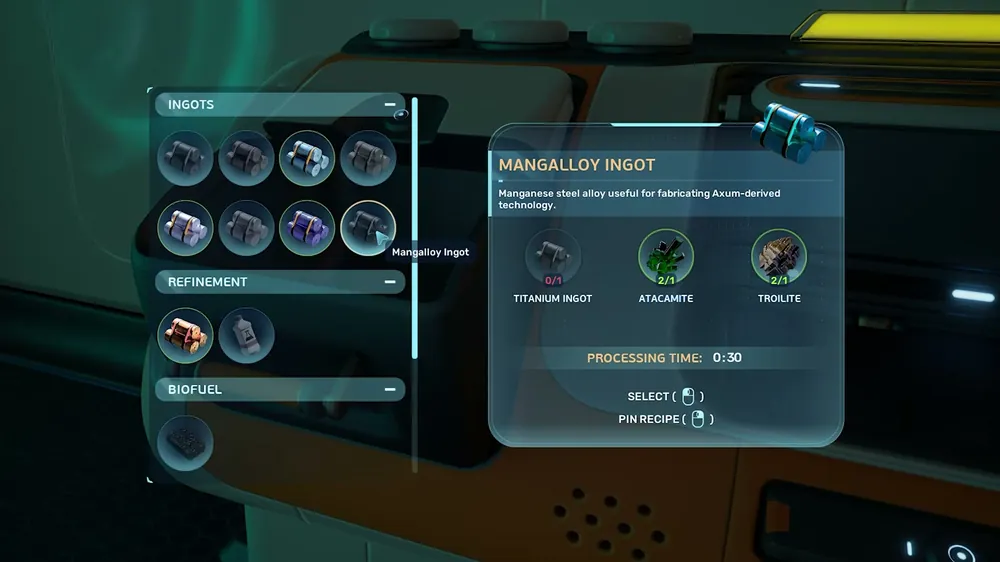
Tip: build several Processors side by side and run ingots in bulk. The endgame power plant repair alone takes 10 Titanium Ingots, 10 Strontium and 10 Mangalloy Ingots (see The Ending: Power Plant And Observatory).
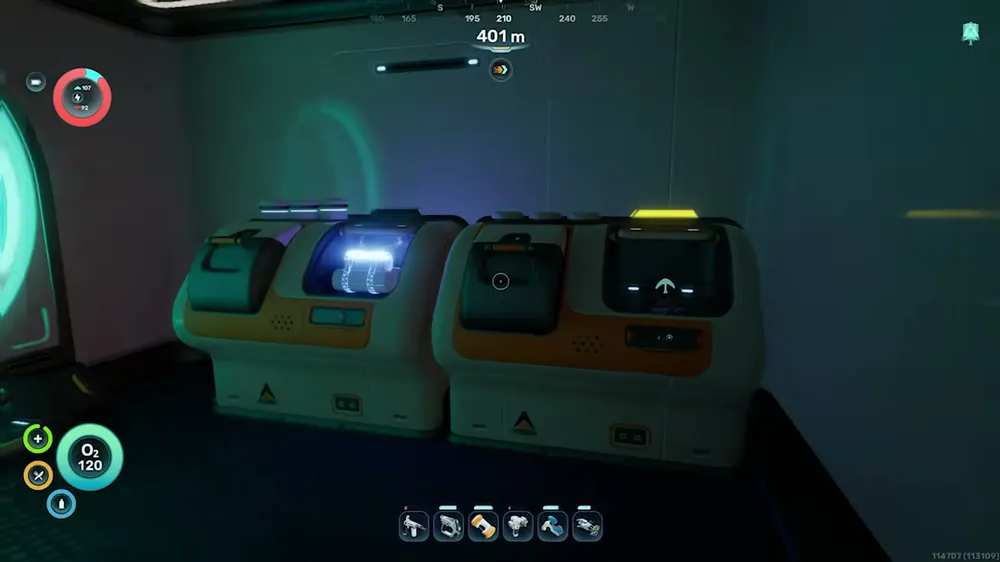
The Scanner Station also needs only one scan, and the closest one is at Camp One, on the way from the lifepod to Blackbox Quaker. Camp One is a tilted base: enter through the hatch on the seafloor, swim up the vertical corridor and scan the station through the door of the tilted room.
Camp One also has the last Wakemaker fragment and a Power Cell Terminal to scan, and a sealed room you can enter from below (see Wakemaker And Improved Fins Locations).
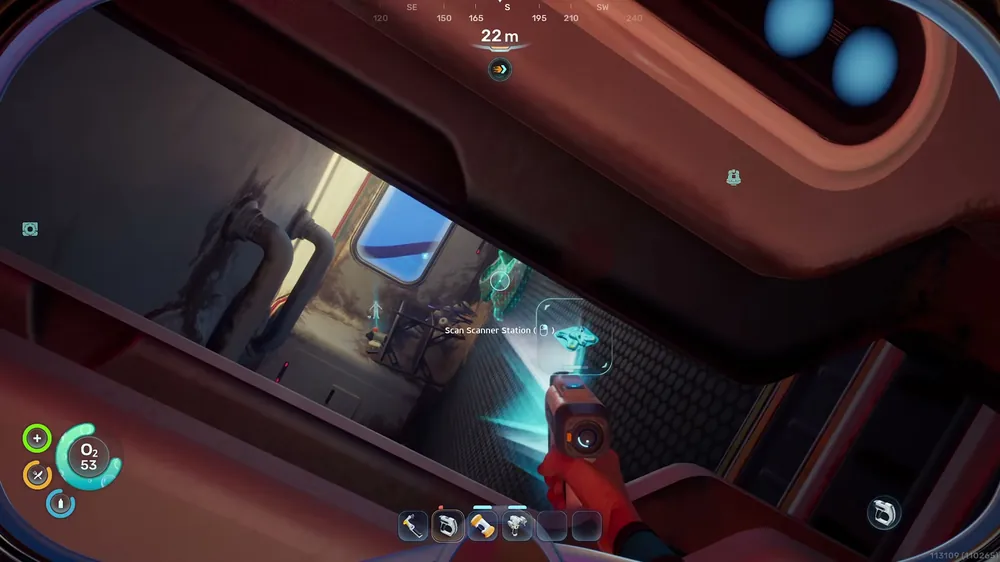
From raw materials that is 3 Titanium, 2 Quartz, 2 Silver and 4 Copper (see How To Get Silver). Build it with the Habitat Builder under Interior Facilities, Habitat Systems, inside a room.
Use the station, pick a filter such as a resource, and wait for contacts to appear on its holographic map. It finds ores, wrecks, abandoned bases, Bloom infestations and anomalies within about 300 meters. Select a contact to set a waypoint on your HUD, and the marker clears once you get close.
It draws 10 power while scanning, so on one or two Solar Panels it may not open at all or show nothing. One station tracks one resource at a time. It is great for things that are hard to spot, like Salt (see How To Get Salt).
Note: Buddy System Hotfix 2 (6 October 2026) made the Scanner Station's resource detection more accurate, so older complaints about missing results may no longer apply.
The Processor is also what makes the ingots for the Bioreactor (see How To Get The Bioreactor) and the Tadpole (see How To Build The Tadpole). The Full Progression Guide: Early Access Walkthrough shows where both machines fit in the route.
Note: This guide was written for the current Early Access version (Buddy System Hotfix 2), before the 2.0 update.
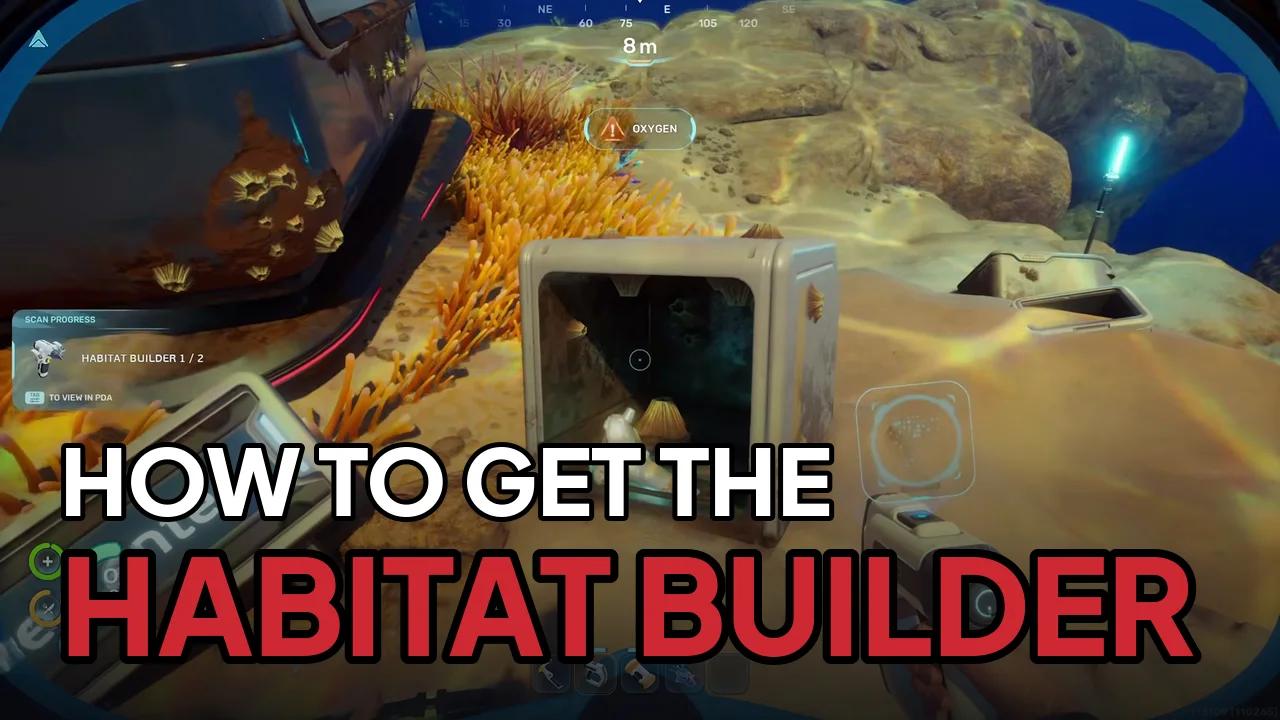
Both Habitat Builder fragments are at the Welcome Center southeast of the lifepod. Here is the full recipe chain and why you need a base Fabricator.
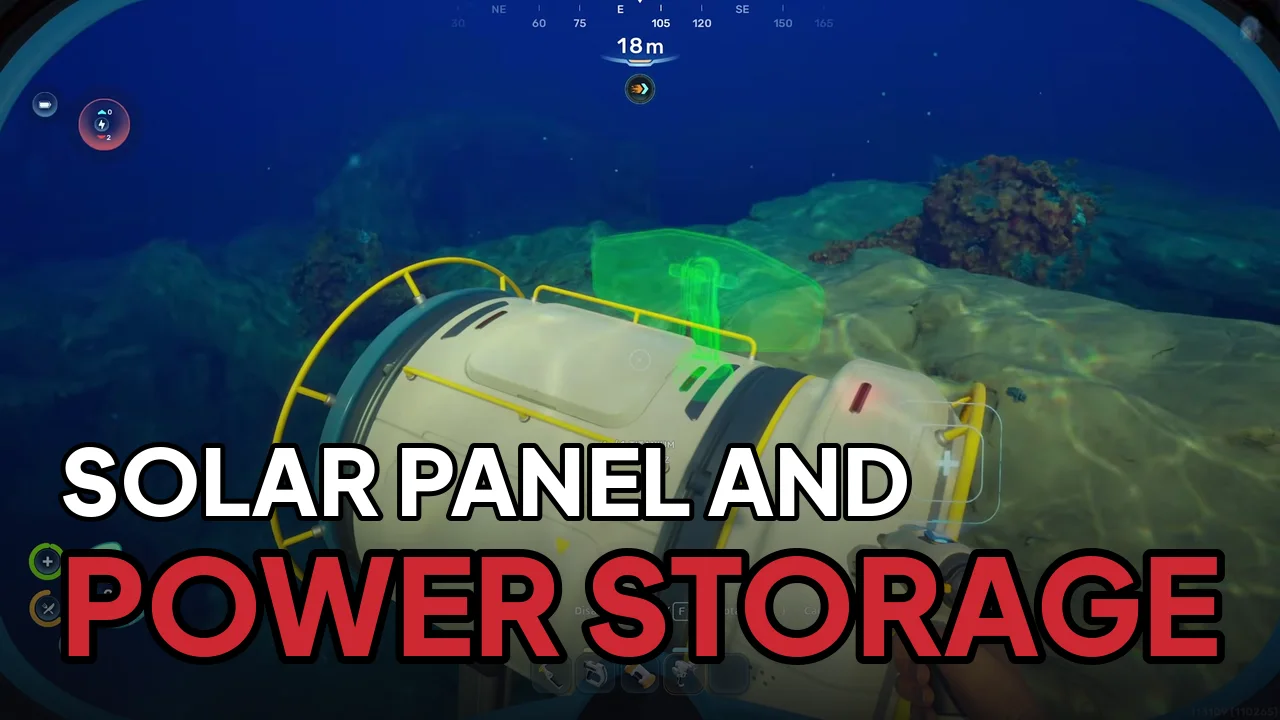
The Solar Panel unlocks with the Habitat Builder, Power Storage needs 2 scans in abandoned bases. Here are the placement rules, recipes and the Battery Terminal.