

Oops! Something went wrong while submitting the form.

The Solar Panel unlocks with the Habitat Builder, Power Storage needs 2 scans in abandoned bases. Here are the placement rules, recipes and the Battery Terminal.
The Solar Panel in Subnautica 2 needs no fragments. It unlocks together with the Habitat Builder, so as soon as both Habitat Builder fragments at the Welcome Center are scanned, you can build one (see How To Get The Habitat Builder And Fabricator).
It costs 1 Titanium and 2 Quartz and sits in the Habitat Builder under Exterior Facilities, in the Power section. That makes it the cheapest power source in the game, and the only one you have in the first hour.
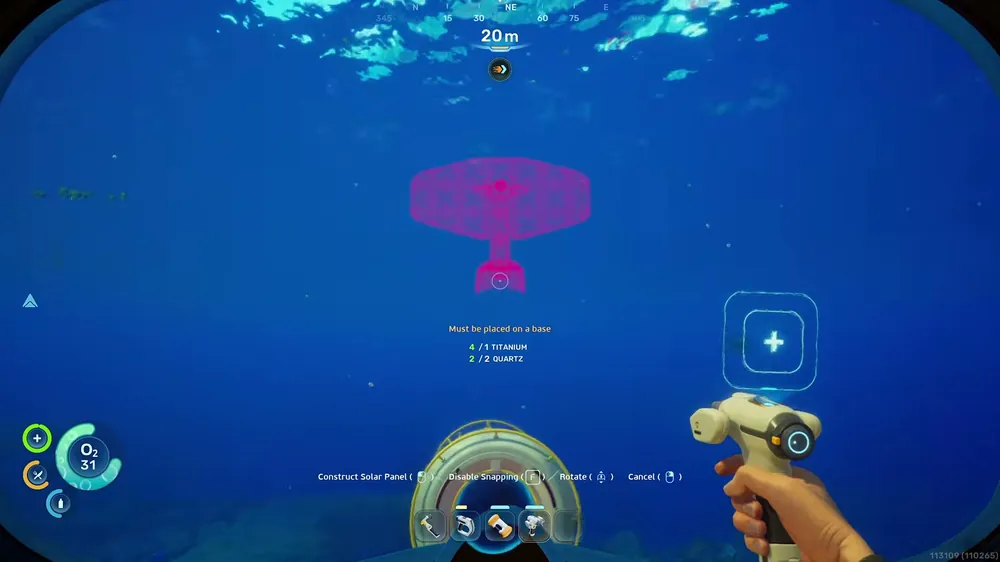
The base Fabricator uses only 2 power, so one or two panels run a starter base in the shallows. A Scanner Station or Processor draws 10 while it works, though, so more machines mean more panels or a better source like the Hydroelectric Turbine (see How To Get The Hydroelectric Turbine).
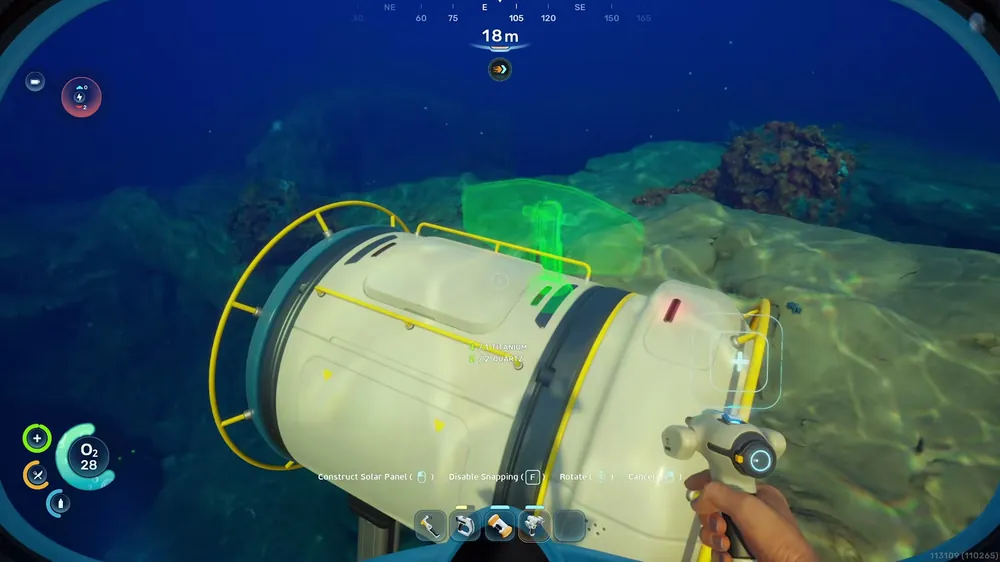
Power Storage needs 2 scans, and both fragments are in abandoned bases you reach in the mid game.
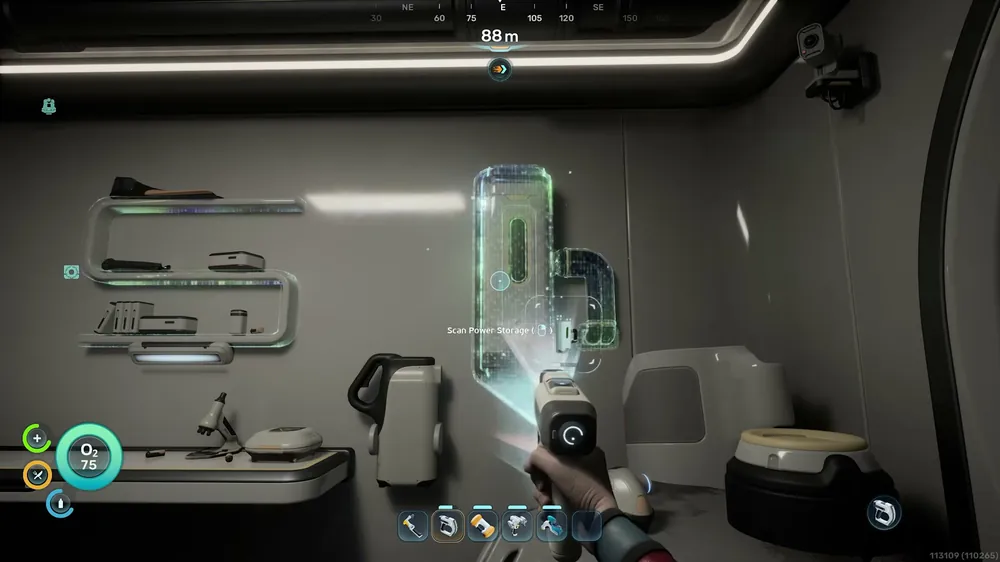
From the wreckage at Blackbox Wander, follow the debris deeper toward the south until you reach another abandoned base and wreck at about 88 meters. The Power Storage fragment hangs on a wall inside. It is the same base where you unlock the Rebreather and get an inventory expansion (see How To Get The Rebreather), and the wreckage below it holds the High Capacity Air Tank blueprint.
The second fragment is in a colonist base deep in the cave system of the hot biome, southeast of the lifepod. Follow the ravine down into the cave, which is full of blackboxes, and search it thoroughly until you find the base. You need Heat Tolerance to explore there safely (see How To Get The Thermal Plant).
Power Storage is built under Interior Facilities, in the Power section. It costs:
Lead is easiest near the area northeast of the lifepod (see How To Get Lead), and Salt patches are in the hot biome, so you can collect both on the same trips (see How To Get Salt).
Power Storage banks surplus energy automatically and feeds the base when production falls short: at night with Solar Panels, when a Bioreactor runs dry or when a power-hungry machine starts up. Each extra unit makes the base last longer in a shortage. That matters, because base oxygen depends on power.
The Battery Terminal is the other piece worth building early. It recharges the batteries from your tools, so you stop crafting new ones (see Batteries And Power Cells). We like to carry at least one spare battery and swap it whenever we pass the base.
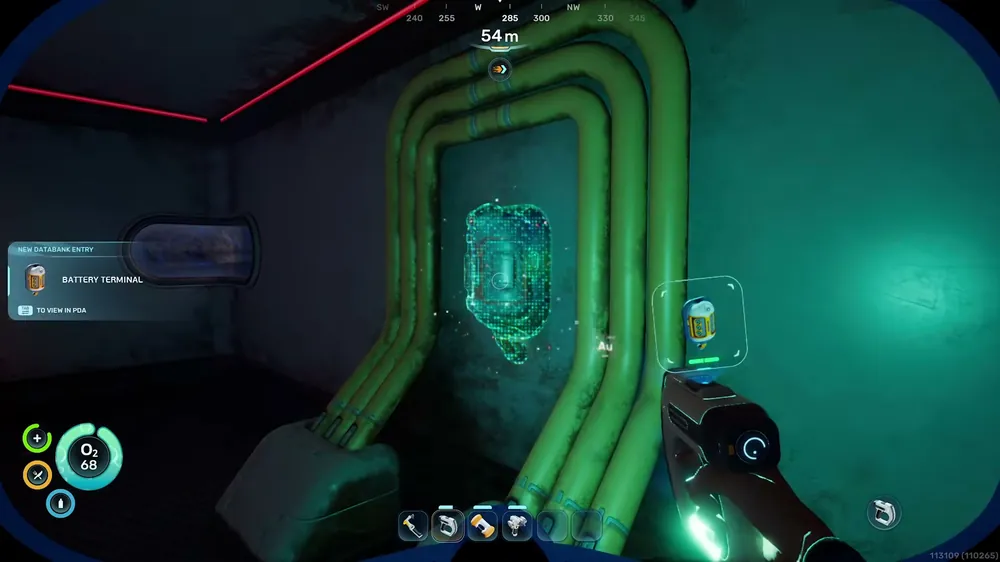
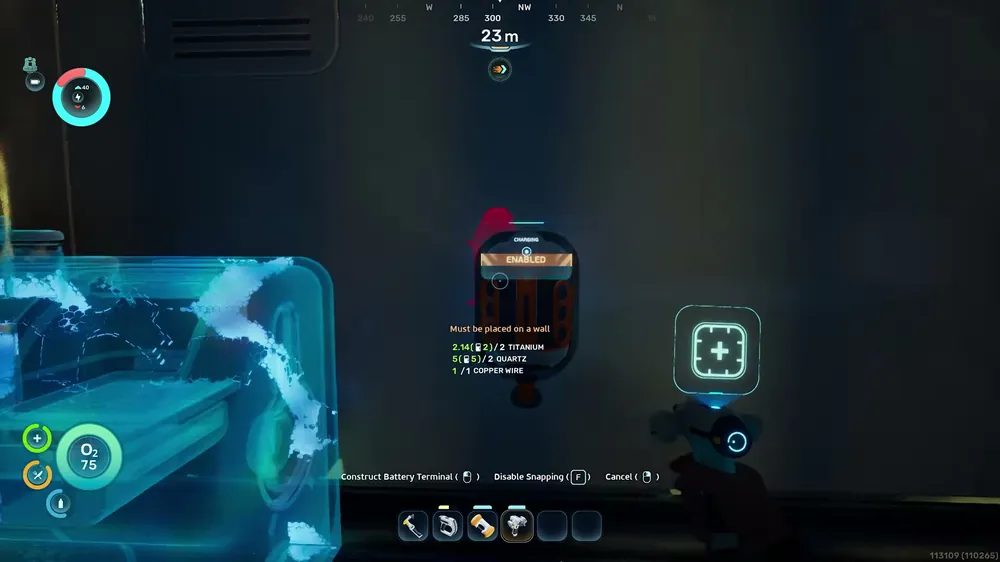
It only charges personal batteries. Tadpole Power Cells need the Power Cell Terminal instead (see How To Build The Tadpole).
Every power source side by side is in Building Your First Base, and the Full Progression Guide: Early Access Walkthrough shows when Wander and the hot caves come up.
Note: This guide was written for the current Early Access version (Buddy System Hotfix 2), before the 2.0 update.
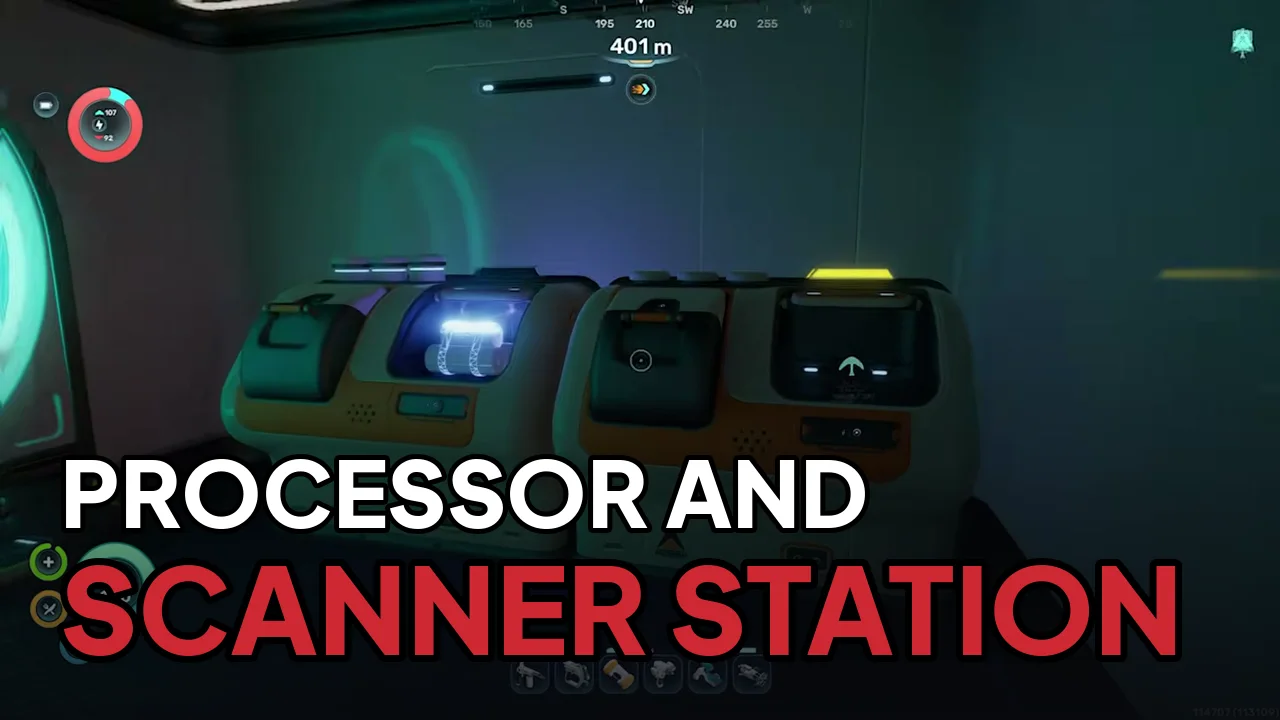
The Processor turns ores into ingots and pulp into water, food and fuel, and the Scanner Station finds resources for you. Here is where to scan both, the recipes and how to use them.
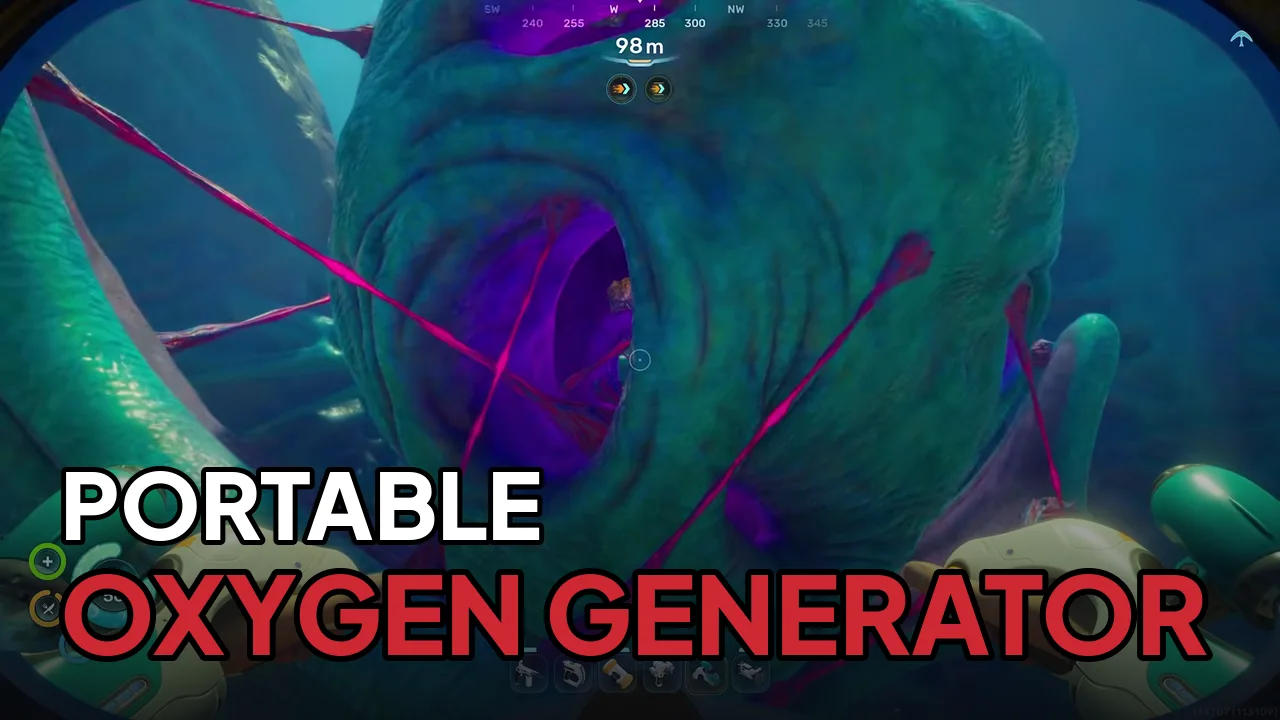
Both Portable Oxygen Generator fragments are inside the Great Jaw south of the lifepod, right where the Lithium is. Here is how to scan them safely, the recipe and how to use it.